
Free · No signup · Nothing uploaded
A free Photoshop alternative that runs in your browser
Open real PSD files and keep editing with layers, masks, adjustment layers, layer styles and live type. Familiar menus and shortcuts, right in a browser tab.
Works in Chrome, Edge, Safari and Firefox on desktop. Your images never leave your device.
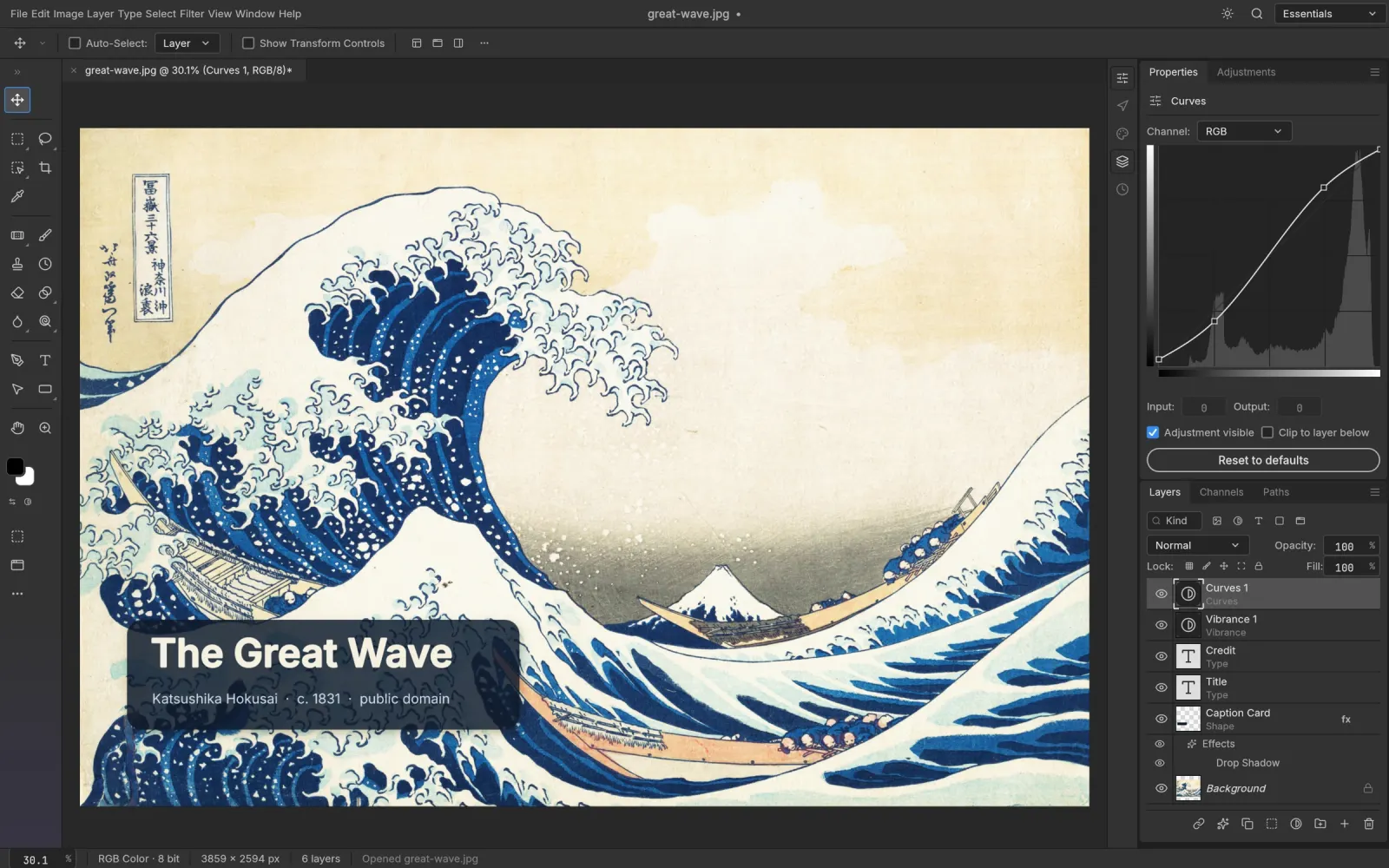
Real PSD files
Open, edit and save layered Photoshop documents, plus PNG, JPEG, WebP, TIFF and more.
Familiar shortcuts
Menus, tools and shortcuts are where your hands expect them, from Ctrl/⌘ J to Shift Ctrl/⌘ D.
Private by design
All editing runs locally in your browser. No upload, no account, no tracking of your files.
GPU accelerated
Renders with WebGPU, falling back to WebGL2, so large images stay responsive.
Everything you reach for in Photoshop
Non-destructive editing, the way professionals work: every adjustment stays live, every layer stays editable.
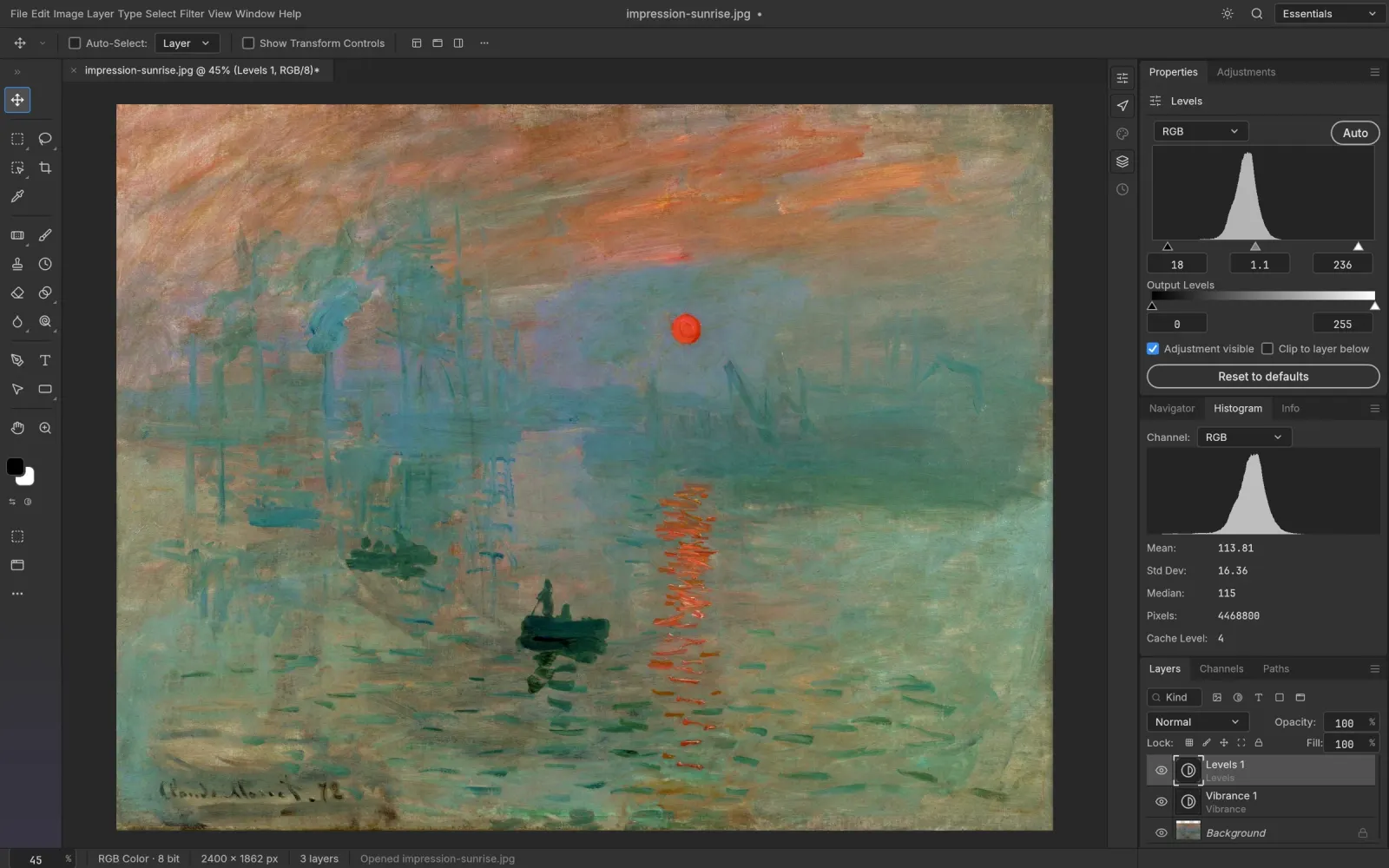
Adjustment layers
Curves, Levels, Hue/Saturation, Vibrance, Black & White, Gradient Map, Color Lookup and more, all non-destructive and maskable.
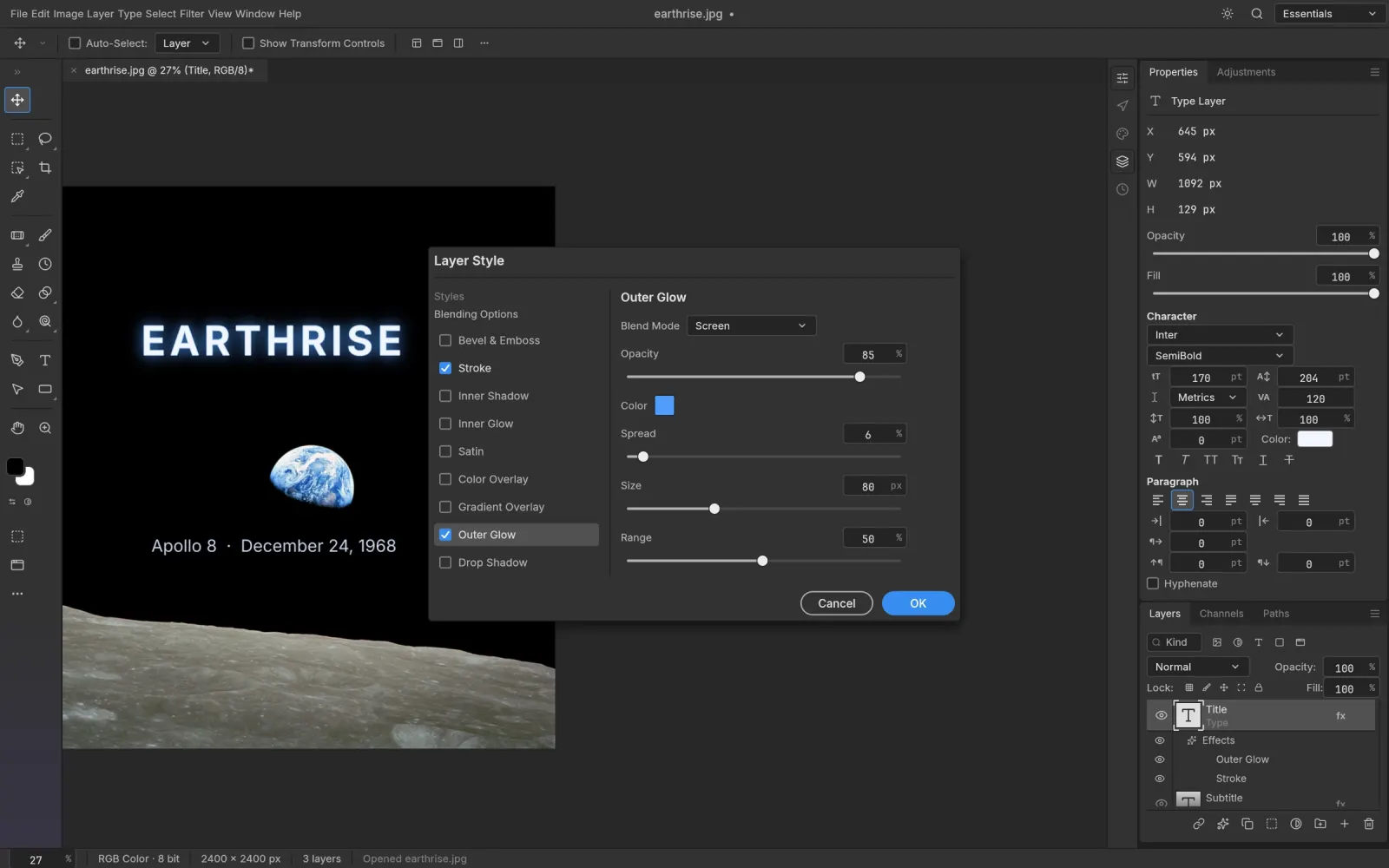
Layer styles
Drop Shadow, Inner Shadow, Glow, Bevel & Emboss, Stroke and Color, Gradient and Pattern Overlay, live on any layer.
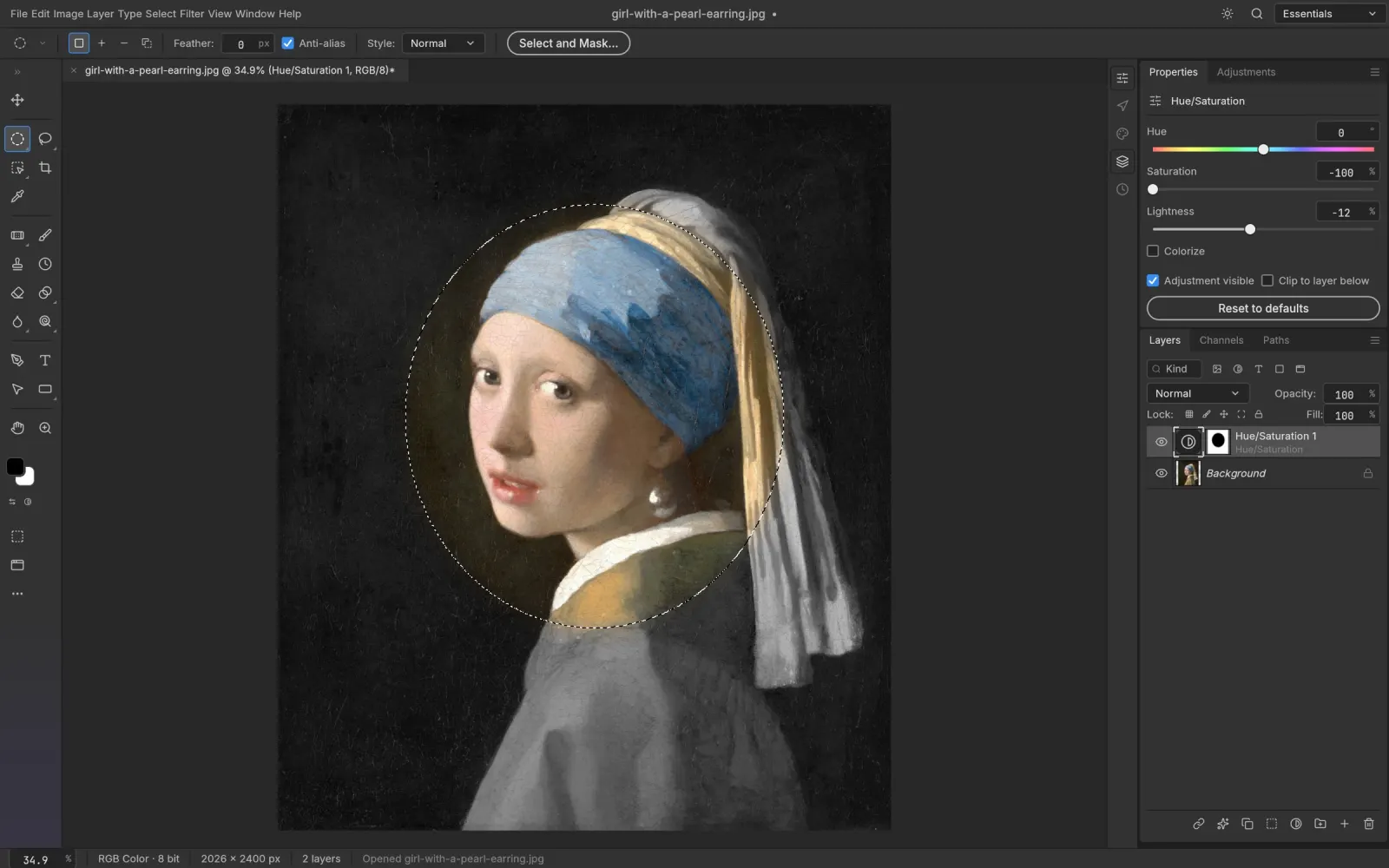
Selections and masks
Marquee, Lasso, Magic Wand, Quick Selection, Select Subject and Select and Mask. Smart selection runs on your device.
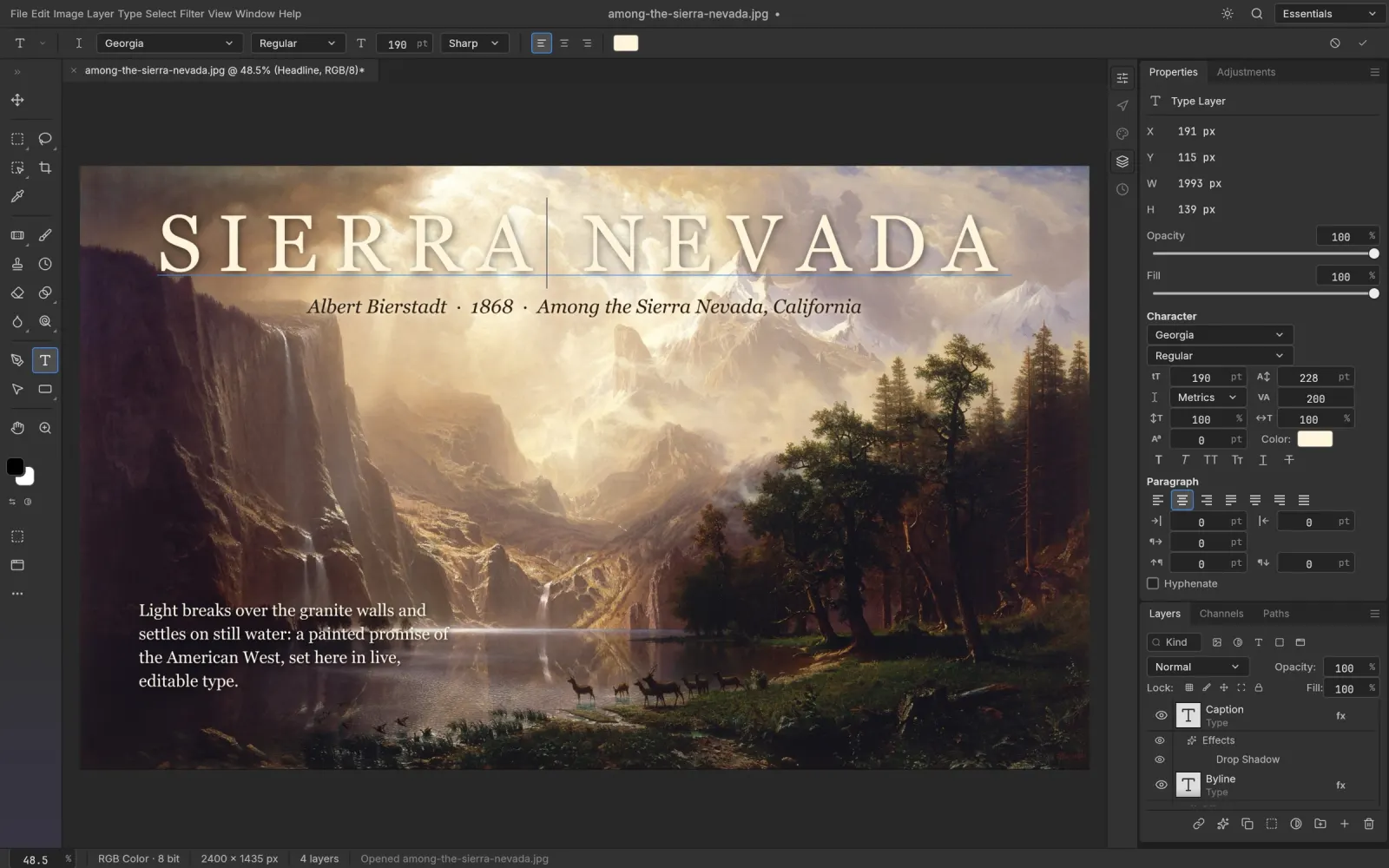
Type tool
Point and paragraph text edited right on the canvas, with full Character and Paragraph controls. Type layers stay editable.
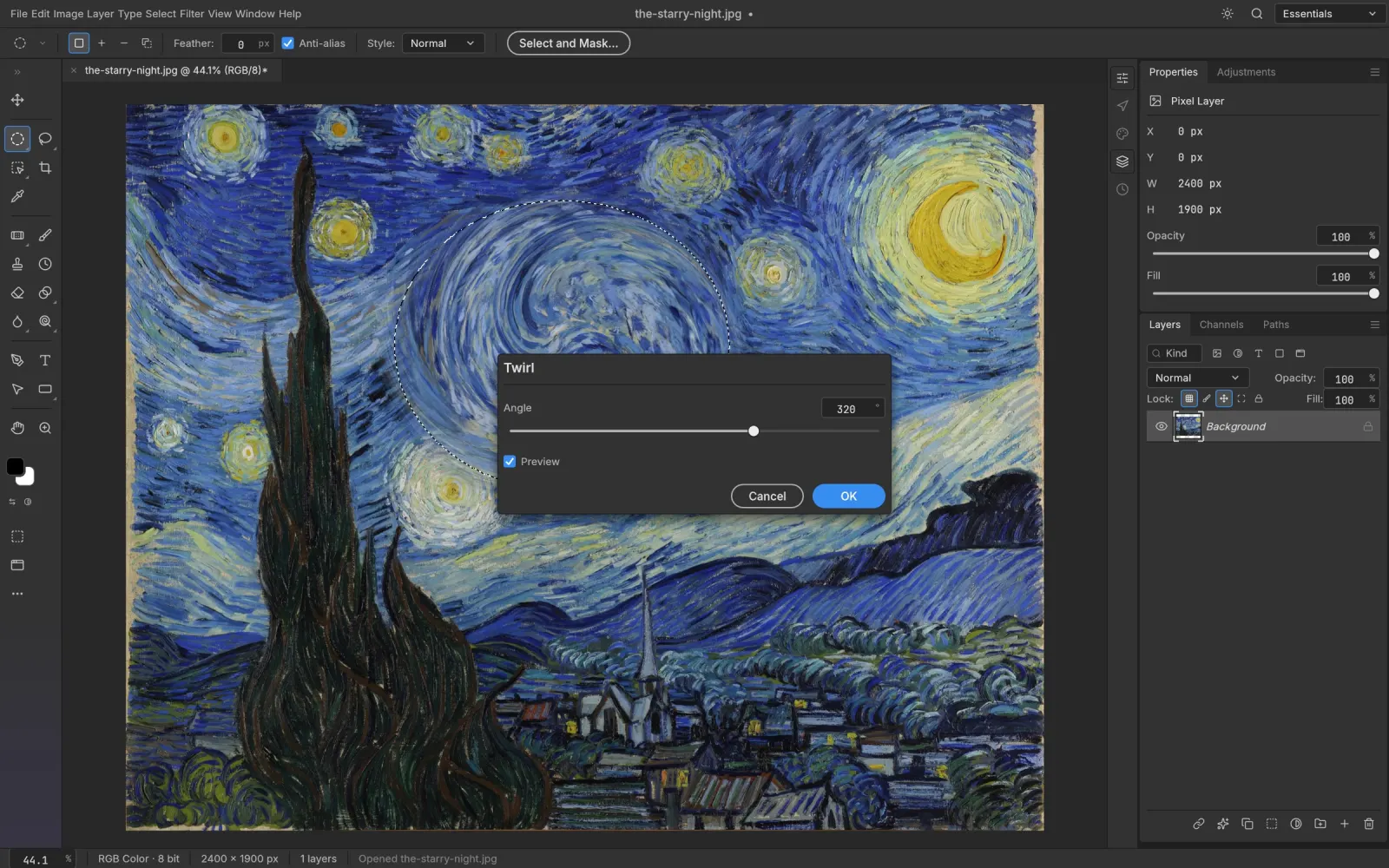
Filters with live preview
Gaussian, Motion and Lens Blur, Blur Gallery, sharpening, Twirl, Wave and Ripple distortions, Oil Paint, Lighting Effects and more.
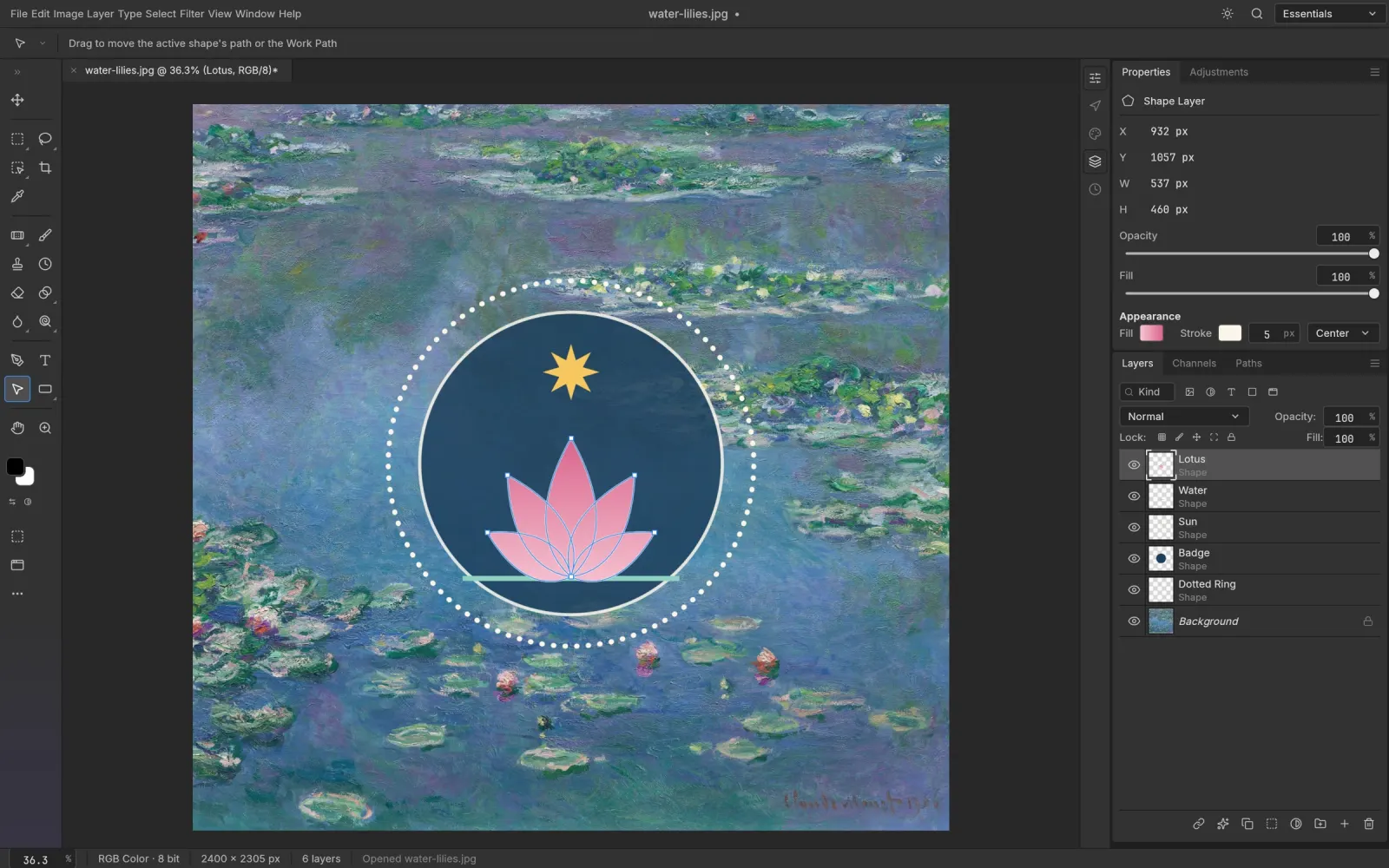
Vectors and shapes
Pen, Curvature Pen and shape tools with resolution-independent shape layers, gradient fills and boolean operations.
How it compares
PS Online is not Adobe Photoshop. It's an independent, open-source editor built to feel familiar.
| PS Online | Desktop photo editors | |
|---|---|---|
| Price | Free | Usually a subscription |
| Install | None, opens in a browser tab | Download and install |
| Account | Not required | Usually required |
| PSD files | Open, edit and save | Open, edit and save |
| Where your files go | Stay on your device | Local or cloud |
Find what you came for
Guides for every way people use PS Online, from opening a PSD to editing photos on a Chromebook.
Frequently asked questions
Everything you need to know before you open your first image.
Open an image and start editing
No download, no account. Your first edit is a click away.
Open the editor